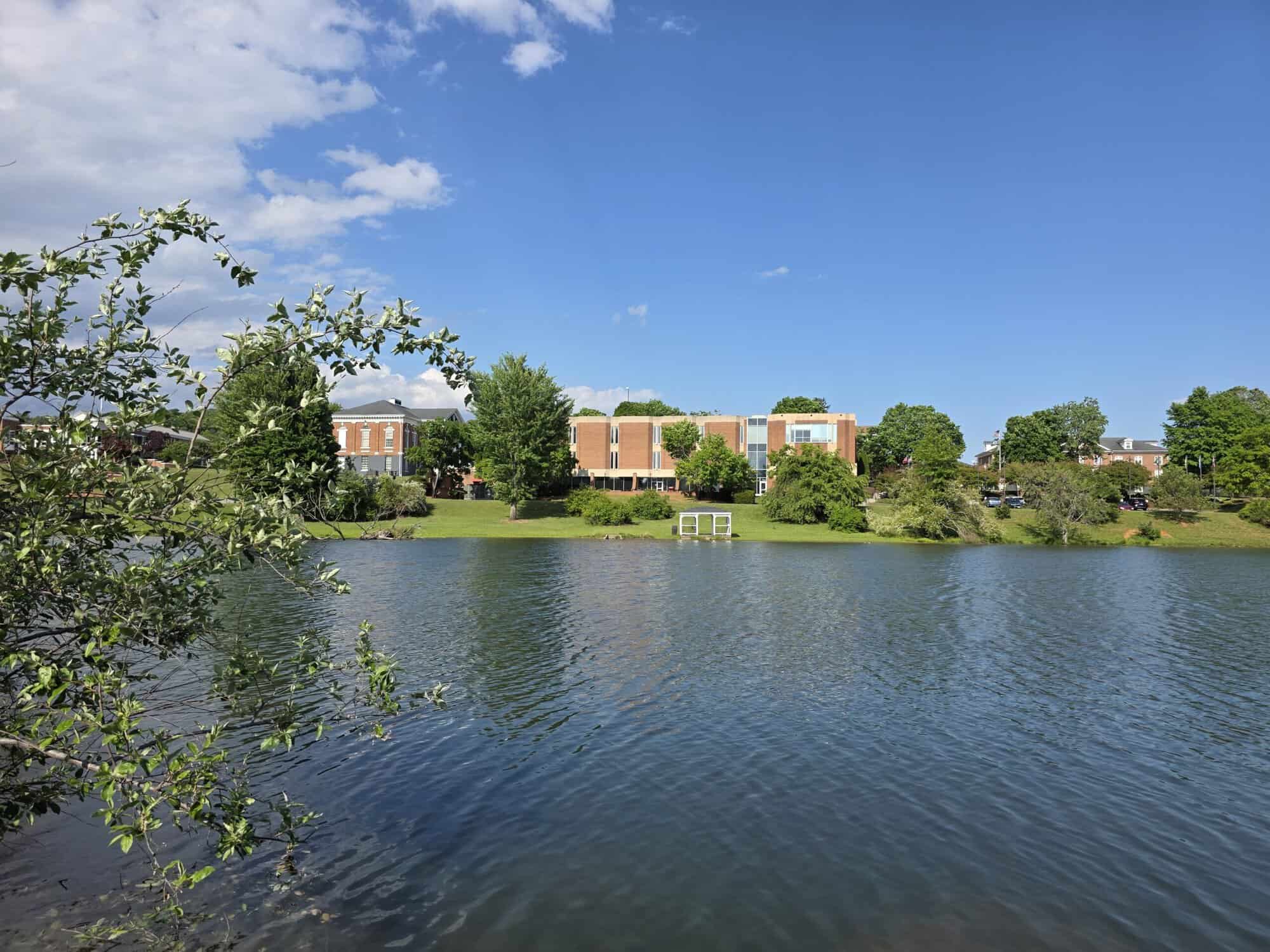
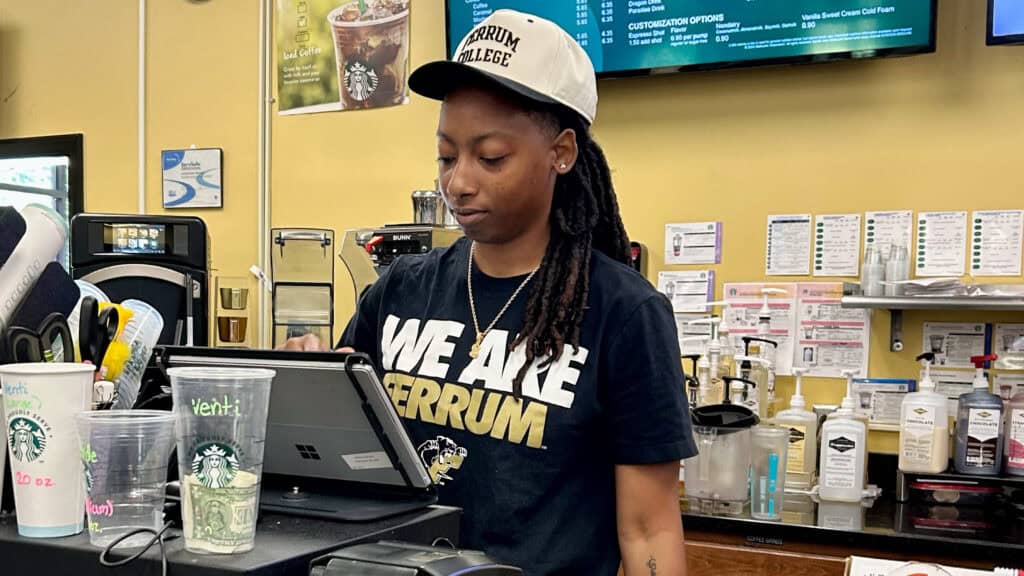
Ferrum College offers students a variety of on-campus work opportunities. Whether you’re choosing to work to help fund your education or get more experience in your field, Student Employment will help you gain hands-on experience that prepares you for real-life workplace situations. With over 200 positions available during the fall and spring semesters, our student workers are vital to Ferrum’s day-to-day operations.
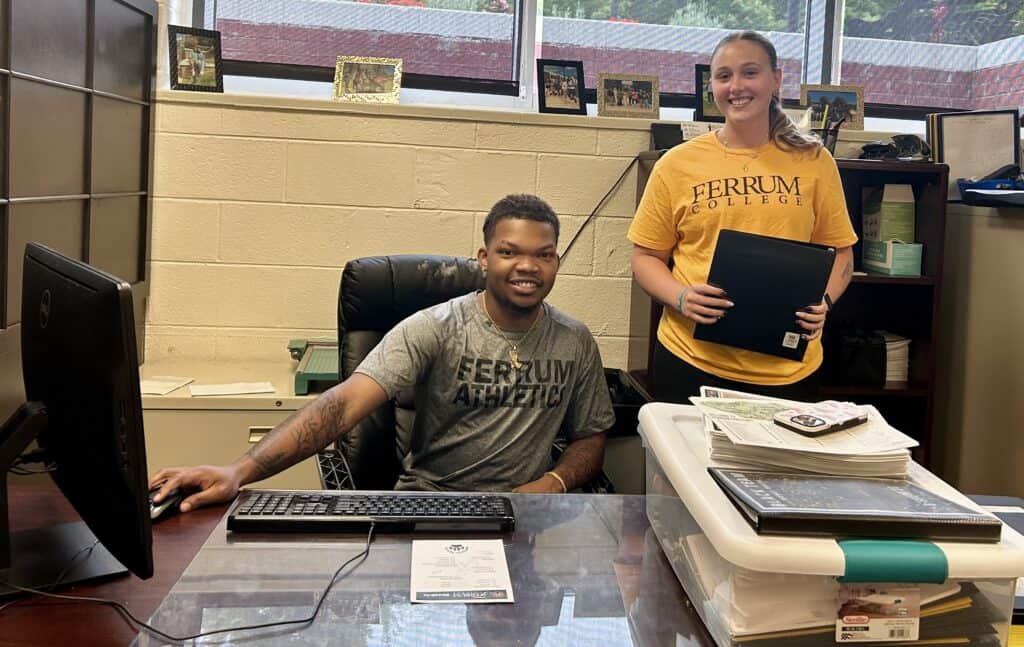
Federal Work-Study (FWS) is a federal, need-based program that offers part-time employment to undergraduate and graduate students, helping them earn money to cover educational costs. It is neither a loan nor a grant; students must obtain an eligible job—usually on campus or with a community nonprofit—and are paid at minimum wage through a regular paycheck based on hours worked.
Work-study is awarded through FAFSA (Free Application for Federal Student Aid) and will be a separate list item on the student’s financial aid page. Learn how to check your award status by clicking on the “Work-Study” tab below.
The Student Labor Program is on-campus employment funded outside of financial aid. Jobs can be funded by individual department budgets within Ferrum College, grants, affiliate companies or nonprofit agencies, and other sources. Therefore, the program is not based on monetary need and the student employee is not required to file a FAFSA. The student employee must be meeting Satisfactory Academic Progress, must be degree-seeking, and must be enrolled full-time during the academic year (fall and spring semesters).
During the summer, only student labor positions are available. The student employee must be registered as a full-time student and have their deposit paid for the following fall semester in a degree-seeking program, or be enrolled in at least 3 credit hours and be graduating at the end of the summer term. Summer student labor positions are considered seasonal full-time, so students may work up to 40 hours per week during this time. Special grants and fellowships sometimes fund summer work and paid research that is not full-time.
Students seeking employment through Ferrum College Dining Services will need to complete an application through Metz Culinary Management or visit its office located in Franklin Hall.
Current students can find more information on Panther Xperience within their single sign-on. Look for the card titled “Student Employment” to find the handbook for employees and other resources.
Career Development. Want to learn more about head-starting your career? Visit the Career Development page.
Click here to meet the staff for Student Employment and Career Development.
Ferrum College utilizes the Handshake application to post jobs for our students. Upon enrollment at the College, all students are uploaded into the Handshake system. Please use the following instructions.
Activate your Handshake account:
Search for open positions:
Apply for a position:
What to expect after you apply:
NOTE: There is a Handshake app you can download after you activate your account. You can find further information by reading this article: About Handshake Mobile for iOS and Android
Please contact the Student Employment Office at studentemployment@ferrum.edu for assistance.
When you accept a position:
If you have not previously worked at Ferrum College, you must complete the following before beginning work:
*It is a federal requirement for employment that you provide original UNEXPIRED documents to verify your identity and your authorization to work in the United States. You will not be permitted to work until you submit the required original documents.
Students who qualify for work-study will see this information in their financial aid awards. To view your awards online,
You will be taken to a new page that will display your financial aid awards. There will be a list showing any grants/scholarships, loans, and work-study if it has been awarded. The work-study award is for the full year; however, you can only receive half of it in fall and the other half in spring. The work-study award amounts per academic year vary based on each student’s financial aid needs.
To learn more about Financial Aid, visit that office’s work-study page.

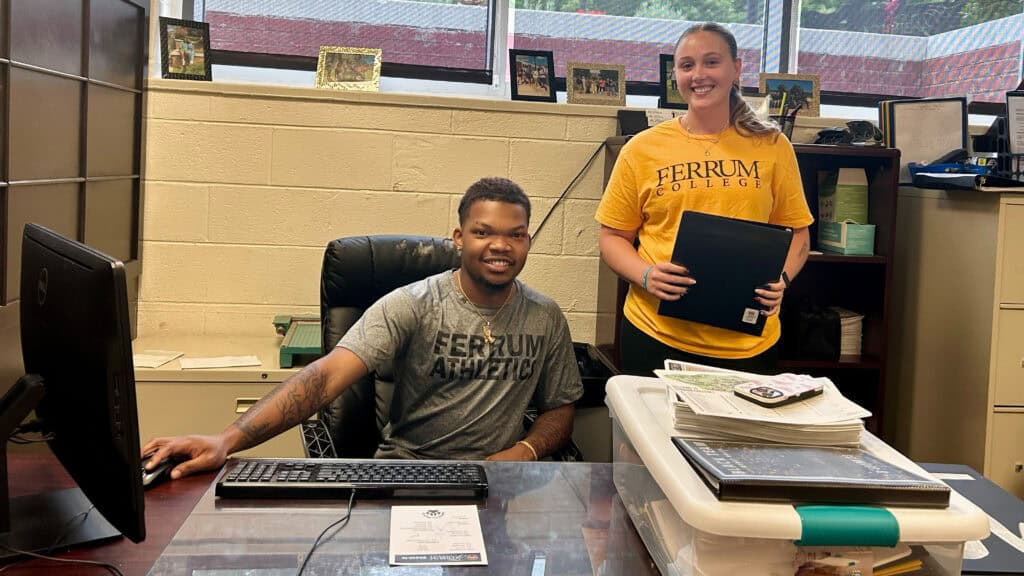


Contact Student Employment Office.